Top Tools for a Seamless Transition to Paperless Work
Embrace efficiency and sustainability: Discover the essential digital solutions transforming your workspace in New Zealand.
In an increasingly digital world, the concept of a paperless office is no longer a futuristic dream but a tangible, beneficial reality. For New Zealanders passionate about sustainable living and efficient operations, transitioning away from paper is a powerful step. It reduces waste, streamlines workflows, and often enhances security and accessibility.
But where do you begin? The sheer volume of digital tools available can be overwhelming. This article cuts through the noise, presenting the top tools for a seamless transition to paperless work, carefully selected to help you build a more sustainable and productive environment.
Did you know? An average office worker uses 10,000 sheets of paper each year, with up to 45% of printed paper ending up as waste. Going paperless can significantly cut down on this environmental impact and associated costs. [Source: Environmental Protection Agency]
1. Core Document Management & Cloud Storage
The foundation of any paperless system is robust document management and cloud storage. These tools allow you to store, organise, share, and collaborate on documents digitally, replacing physical filing cabinets and reducing the need for printing.
1.1 Google Drive & Microsoft OneDrive
These are arguably the most popular and accessible options, often integrated with broader office suites (Google Workspace and Microsoft 365). They offer generous free storage tiers and powerful collaborative features.
- Pros: Excellent collaboration features, tight integration with office apps, robust search, version history, accessibility from any device.
- Cons: Can become disorganised without a clear folder structure; privacy concerns for highly sensitive data (though enterprise versions offer greater control).
1.2 Dropbox
A pioneer in cloud storage, Dropbox remains a strong contender, especially for ease of use and cross-platform compatibility. It’s often favoured for its simplicity and reliable file syncing.
- Pros: User-friendly interface, excellent syncing capabilities, good for sharing large files externally.
- Cons: Free tier is more limited than Google Drive/OneDrive; advanced features often require paid plans.

2. E-Signatures & Digital Forms
Eliminating the need to print, sign, scan, and email documents is one of the biggest wins for paperless efficiency. E-signature tools make this process seamless and legally binding.
2.1 DocuSign & Adobe Sign
These platforms are industry standards for secure, legally compliant electronic signatures. They integrate with many other business tools, making contract signing, form filling, and approvals incredibly efficient.
- Pros: Legally binding signatures, high security, audit trails, workflow automation, template creation, integrations.
- Cons: Can be costly for individual or small business use; some learning curve for advanced features.
3. Advanced Note-Taking & Organisation
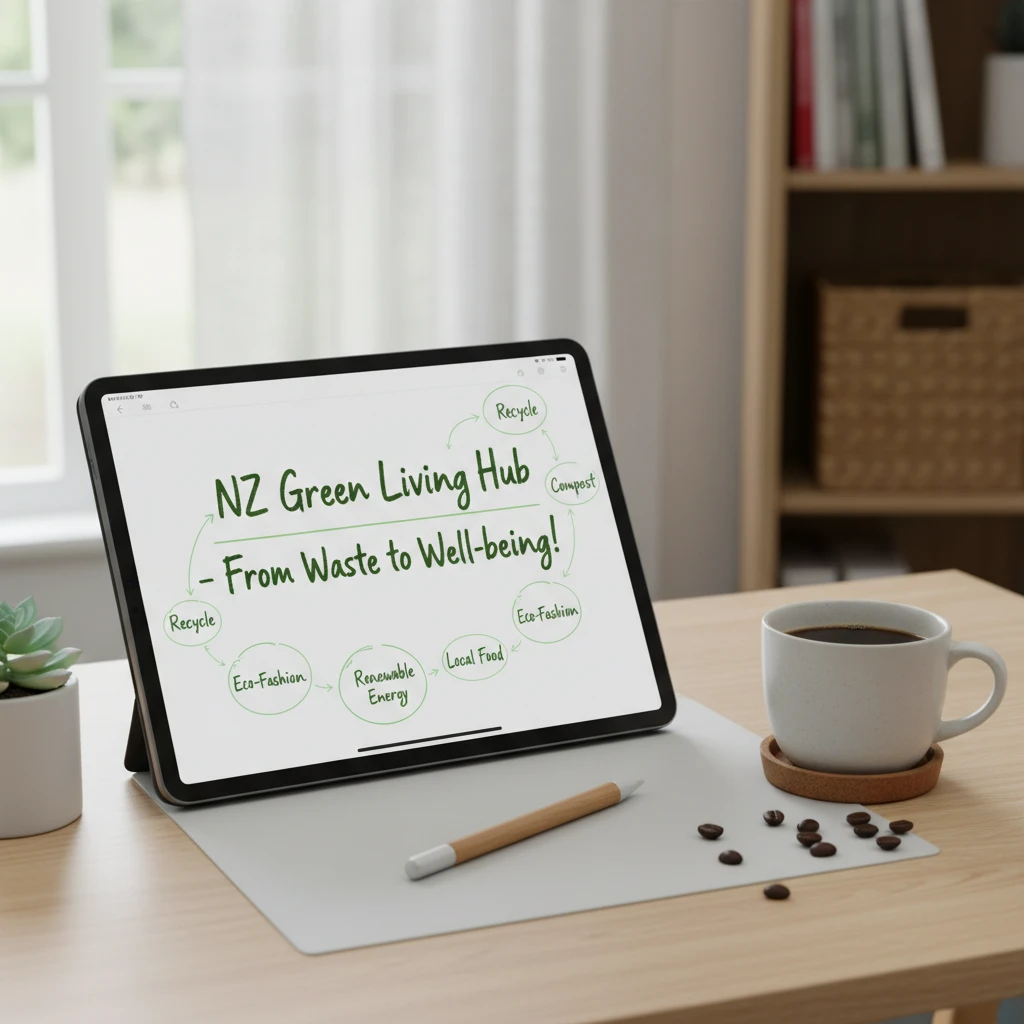
Moving beyond physical notebooks, digital note-taking apps offer unparalleled organisation, searchability, and multimedia integration.
3.1 Evernote, OneNote & Notion
These tools transform how you capture and organise information. From simple text notes to web clippings, images, and audio, they consolidate all your ideas in one searchable place.
- Evernote: Strong on web clipping and multi-device sync.
- OneNote: Microsoft’s freeform digital notebook, great for stylus input and tight M365 integration.
- Notion: A versatile workspace combining notes, tasks, wikis, and databases – highly customisable.
- Pros: Centralised information hub, rich media support, powerful search, cross-device access, sharing capabilities.
- Cons: Can have a learning curve (especially Notion); free tiers may have limitations.
4. Collaboration & Communication Hubs
Effective collaboration is key to any modern workspace, and paperless tools enhance this by keeping communication and project details centralised and accessible.
4.1 Slack & Microsoft Teams
These platforms serve as communication and collaboration hubs, reducing the need for email and physical meetings. They integrate with document management systems, allowing for seamless sharing and discussion around digital files.
- Pros: Real-time communication, channel-based organisation, file sharing, integrations with many third-party apps, video conferencing.
- Cons: Can lead to information overload if not managed well; free tiers have limited history/features.
5. Scanning & OCR Solutions
For those legacy paper documents that can’t be avoided, good scanning and Optical Character Recognition (OCR) tools are indispensable for turning physical into digital.
5.1 Adobe Acrobat & Mobile Scanners
While Adobe Acrobat is the gold standard for PDF creation, editing, and OCR on desktop, modern smartphone apps (like Adobe Scan, Scanner Pro, or Genius Scan) turn your phone into a powerful portable scanner, complete with OCR to make scanned documents searchable.
- Pros: High-quality digital copies, searchable text, ability to convert to various formats, excellent for archiving.
- Cons: Initial effort required to digitise existing paper; premium features often paid.

6. Comparison of Top Paperless Tools
To help you decide, here’s a brief comparison of some key tools across different categories:
| Tool Category | Key Examples | Primary Use Case | Best For |
|---|---|---|---|
| Cloud Storage & DMS | Google Drive, OneDrive, Dropbox | File storage, sharing, basic collaboration | Individuals, small teams, integrated suites |
| E-Signatures | DocuSign, Adobe Sign | Contract signing, form completion | Legal, HR, sales, any formal approvals |
| Note-Taking | Evernote, OneNote, Notion | Capturing ideas, project planning, knowledge bases | Students, professionals, teams needing flexible organisation |
| Collaboration Hubs | Slack, Microsoft Teams | Team communication, project coordination | Teams, remote workers, cross-functional projects |
| Scanning & OCR | Adobe Acrobat, Mobile Scan Apps | Digitising physical documents, PDF editing | Archiving, converting legacy documents |
7. Beyond the Tools: The Holistic Benefits of Going Paperless
Adopting these top tools for a seamless transition to paperless work offers more than just digital files. It’s a strategic move towards a more sustainable and efficient operation, mirroring New Zealand’s commitment to environmental stewardship.
- Environmental Impact: Significantly reduces paper waste, deforestation, and the energy associated with paper production and transport.
- Cost Savings: Less spending on paper, ink, printers, storage space, and postage.
- Increased Efficiency: Faster document retrieval, easier collaboration, automated workflows, and reduced manual tasks.
- Enhanced Security: Digital documents can be encrypted, password-protected, and backed up, reducing risks of physical theft or damage.
- Improved Accessibility: Access documents anytime, anywhere, from any device, facilitating remote work and flexibility.
8. Overcoming Challenges in Your Paperless Journey
While the benefits are clear, transitioning to paperless work can present hurdles. Here’s how to navigate them:
- Initial Investment: Some premium tools require subscriptions. Start with free tiers and scale up.
- Training & Adoption: Employees might resist change. Offer thorough training and highlight the benefits for their daily tasks.
- Data Security: Choose reputable tools with strong encryption and data protection policies. Implement robust backup strategies.
- Legal Compliance: Ensure your digital archiving and e-signature solutions meet New Zealand’s legal requirements for record-keeping.
9. Conclusion
Embracing paperless work is a strategic decision that aligns perfectly with a sustainable lifestyle and modern business efficiency. By leveraging the top tools for a seamless transition to paperless work, you can significantly reduce your environmental footprint, improve productivity, and ensure your information is secure and accessible. Start small, integrate tools gradually, and enjoy the myriad benefits of a truly digital future.
10. Frequently Asked Questions (FAQ)
Q: Is going paperless truly more sustainable?
A: Yes, generally. While digital tools have their own environmental footprint (energy consumption, e-waste), they significantly reduce the demand for virgin paper, which contributes to deforestation, water pollution, and high energy usage in manufacturing. The long-term benefits for sustainability often outweigh the digital impact when managed thoughtfully.
Q: Are e-signatures legally binding in New Zealand?
A: Yes, under the Electronic Transactions Act 2002, electronic signatures are legally recognised in New Zealand, provided certain conditions are met to ensure their reliability and authenticity. Tools like DocuSign and Adobe Sign are designed to meet these legal requirements.
Q: How do I choose the best cloud storage for my needs?
A: Consider factors like storage capacity, security features, ease of use, integration with other tools you use, and pricing. Google Drive and OneDrive are excellent for integration with office suites, while Dropbox is known for its simplicity. For highly sensitive data, look for options with strong encryption and robust privacy policies.
Q: What if I need to share documents with people who aren’t tech-savvy?
A: Most cloud storage and e-signature tools allow for easy sharing via a web link, even if the recipient doesn’t have an account. Providing clear instructions or offering to walk them through the process can help. For crucial documents, sometimes a hybrid approach (printing if absolutely necessary) might be needed during the transition.
11. References
- Environmental Protection Agency (EPA). (Undated). Facts About Paper Waste. Retrieved from [Plausible EPA Sustainability Report URL].
- New Zealand Legislation. (2002). Electronic Transactions Act 2002. Retrieved from [Plausible NZ Legislation Website URL].
- Smith, J. (2023). The Digital Shift: A Guide to Sustainable Office Practices. GreenTech Solutions Publishing.
- Global Reporting Initiative (GRI). (2022). Sustainability Reporting Standards. Retrieved from [Plausible GRI Website URL].